
-
How to Migrate a Hacked WordPress Site Safely
-
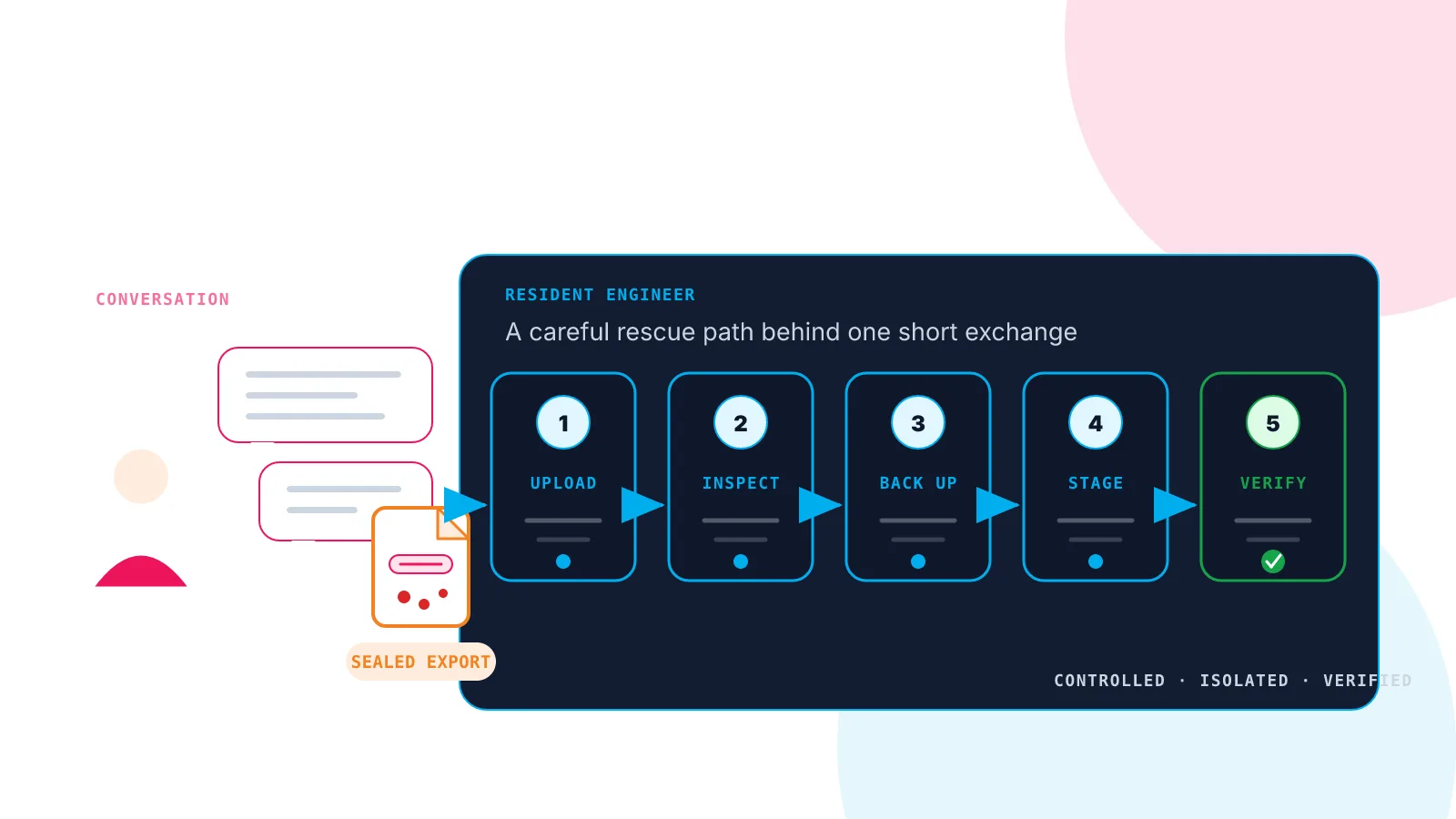
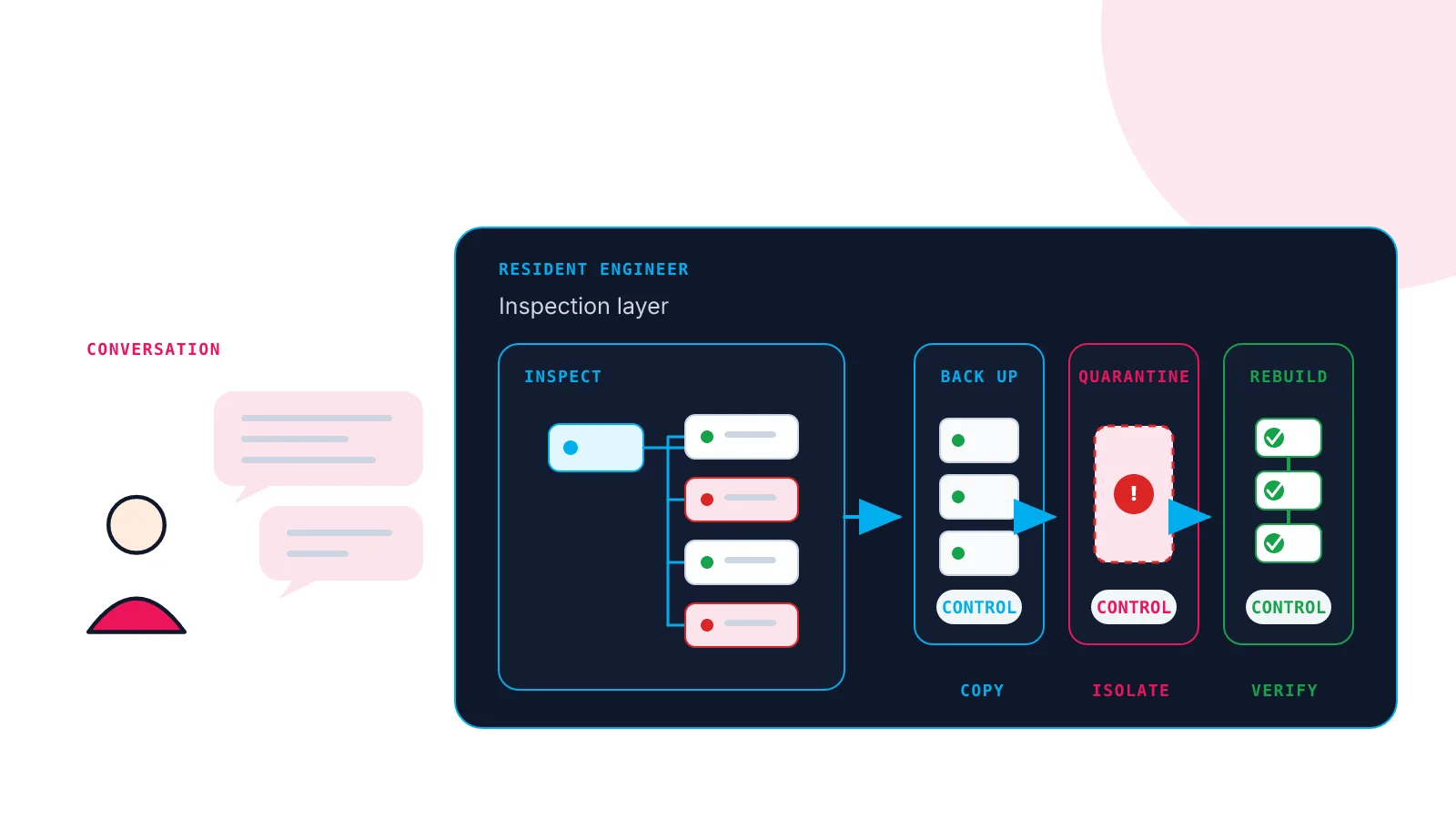
WordPress malware removal is difficult. We gave the job to an AI agent
-
We migrated a WordPress site in seven minutes. Then I interviewed the two AIs who did it.
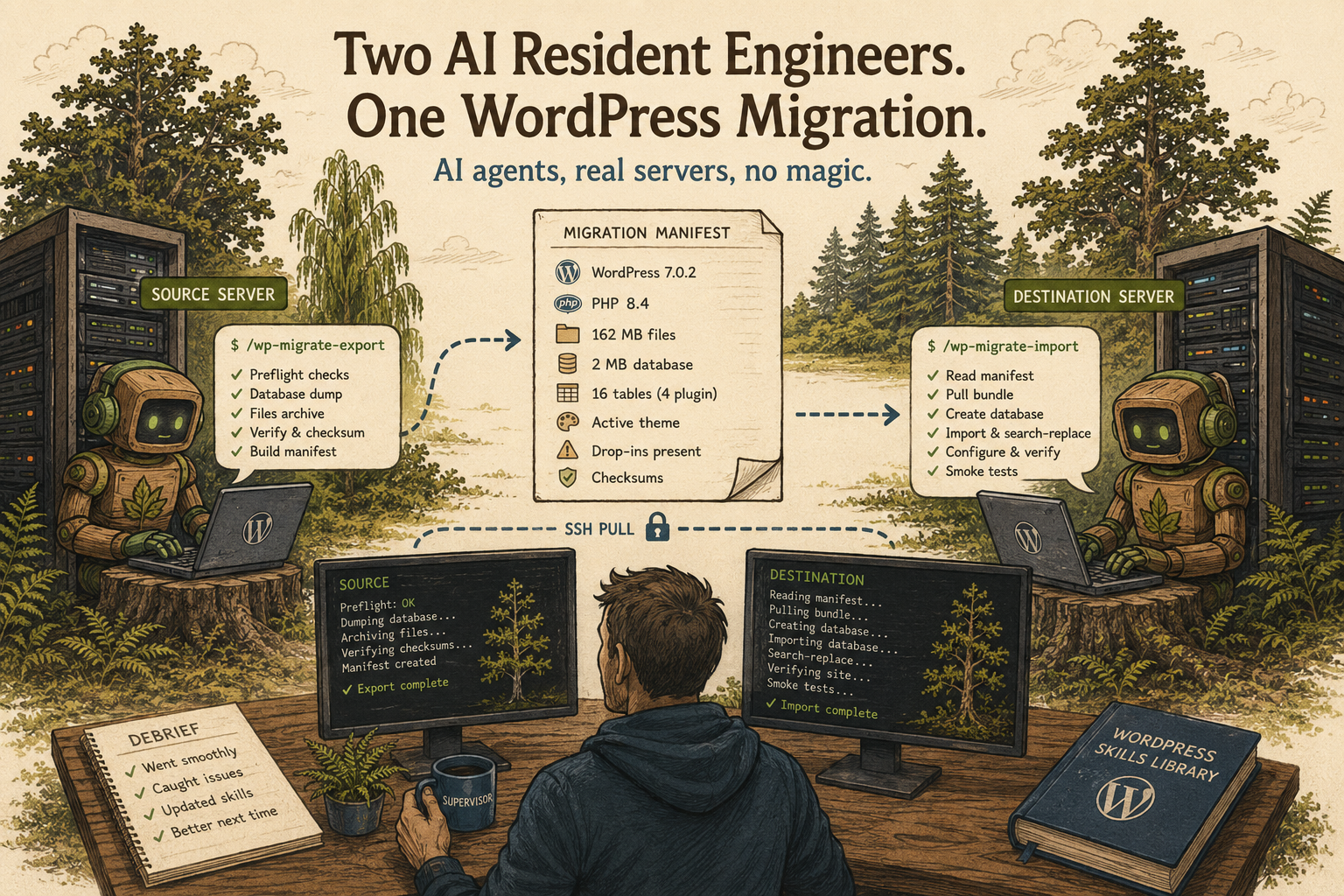
Every Woop! Host site comes with a Resident Engineer — an AI agent residing on the server itself, with a shell and a library of WordPress skills. Today two of them moved a site between two of my servers. I mostly answered multiple-choice questions. Afterwards, I sat them both down for a debrief. Migrations are…
-
A deep dive into building a secure, fast, easy to manage WordPress hosting stack
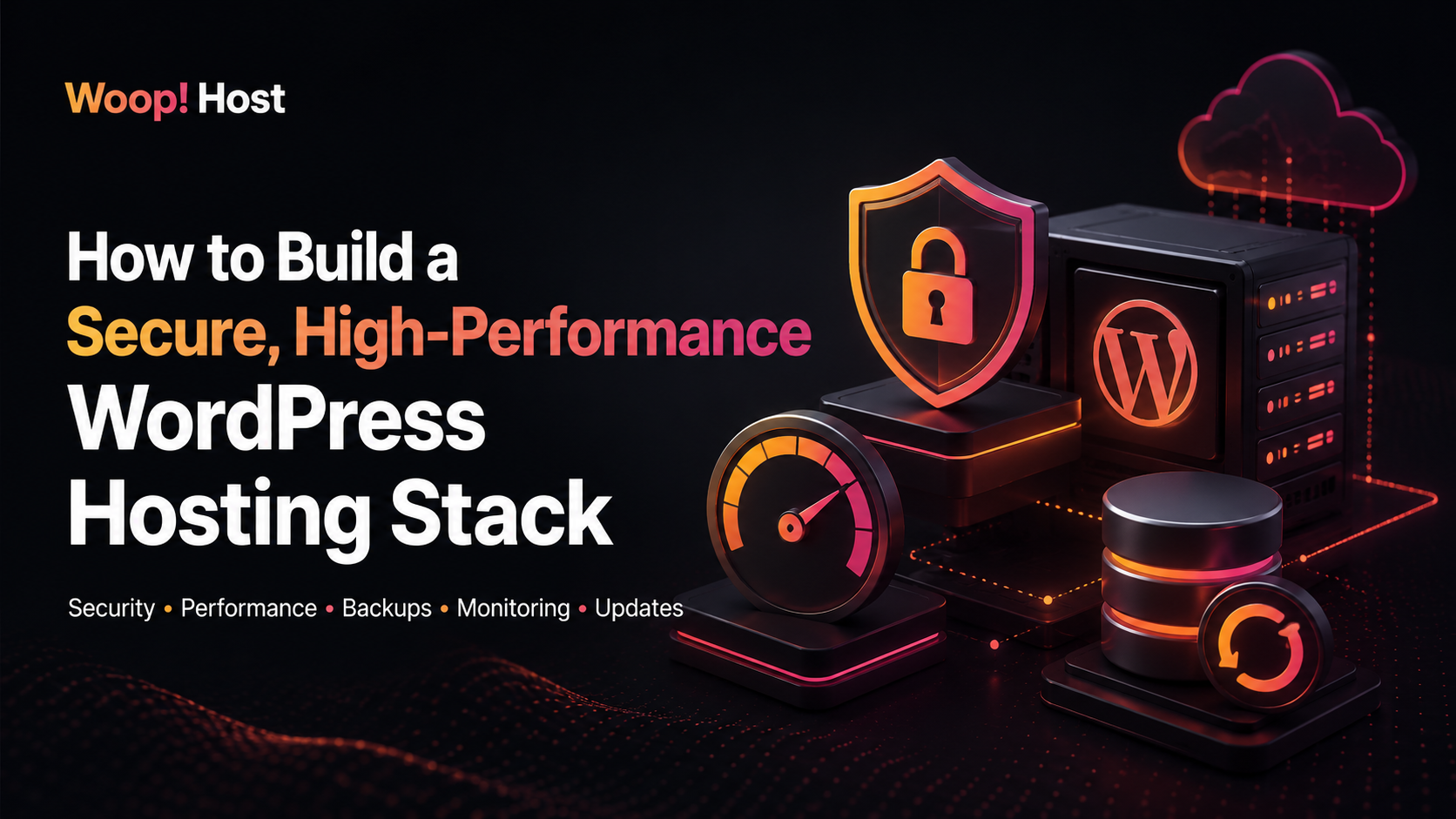
WordPress is easy to install. But to make it run smoothly, it needs a production-ready WordPress hosting stack around it. A good stack does several jobs at once: It serve pages quickly. It keeps WordPress, plugins, PHP, MariaDB, and the operating system updated. It blocks common attacks without breaking legitimate admin work. It gives customers…
-
A tour of the Woop! Host WordPress hosting service
Signing up You can sign up for a WordPress hosting site at https://woop.host/signup.jsp We just need to know the domain name, and preferred site location. Each new Woop! Host account starts with a no obligation trial. No credit card is required to begin your trial. For new accounts we will check the order then provision…
-
Zero-effort WordPress host migrations
-
Woop! WordPress hosting launch
Today we launch our Woop! WordPress hosting service. We are pretty excited about this. Many of our RimuHosting customers run WordPress on the VMs they host with us. That makes sense since 30% of the world’s sites run on WordPress. For over a decade we have been working with these customers to keep their WordPress…
-
Finding and auto updating wordpress / themes / plugins with wp-cli
-
Running WordPress as a Docker Stack
In the advent of containerized applications it can be quite daunting to get started with docker and multiple containers in a cluster. In this post we will go through some of the terminology and how to get started in a simplified case for a single host, multiple containers application stack, with containers for wordpress, mysql…
-
Using Fail2ban on wordpress wp-login.php and xmlrpc.php
A fair few customer of ours use wordpress and occasionally notice that there are people hammering on a few URLs This can cause high load, slow websites and a number of issues, espoecuially when you have more than a single IP hammering away at that. The solution is simple, and it involves using fail2ban. Here…